Communication Tech Services

With a Verge IP phone on your desk and the Allworx Reach™ app on your favorite mobile devices, you can talk in the office or on the go. Without missing a beat.
Self-labeling programmable function buttons.
Contextual soft keys.
Color display.
Full duplex speakerphone.
HD Audio
Built-in four-way conferencing.
Visual ring indicator
Gigabit Ethernet
Integrated network switch with port mirroring
Power over Ethernet (PoE).
Real-time sharing of contacts across mobile devices (via Reach), Outlook (via Interact Professional), and Verge IP phone.1,2
Instant handoff of active calls to and from your mobile device and Verge IP phone (via Reach).2
Remote control of Verge IP phone using your mobile device (via Reach).2
Bluetooth ® hands-free for receiving and placing cellular calls on your Verge IP phone (available on the Verge 9312 model only).2
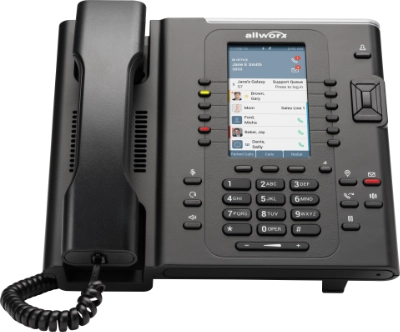
60 self-labeling programmable function buttons.3
4.3" color display.
Built-in Bluetooth headset and Smartphone hands-free capability.
Add up to 3 9318Ex Expanders.
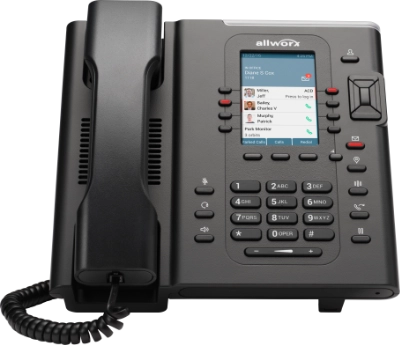
8 self-labeling programmable function buttons.
3.5" color display.
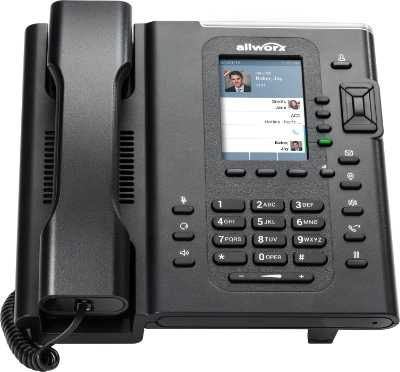
4 self-labeling programmable function buttons.
3.5" color display.
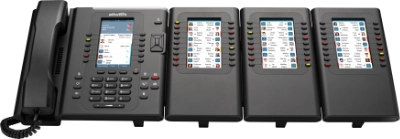
18 self-labeling programmable buttons
4.3" color display
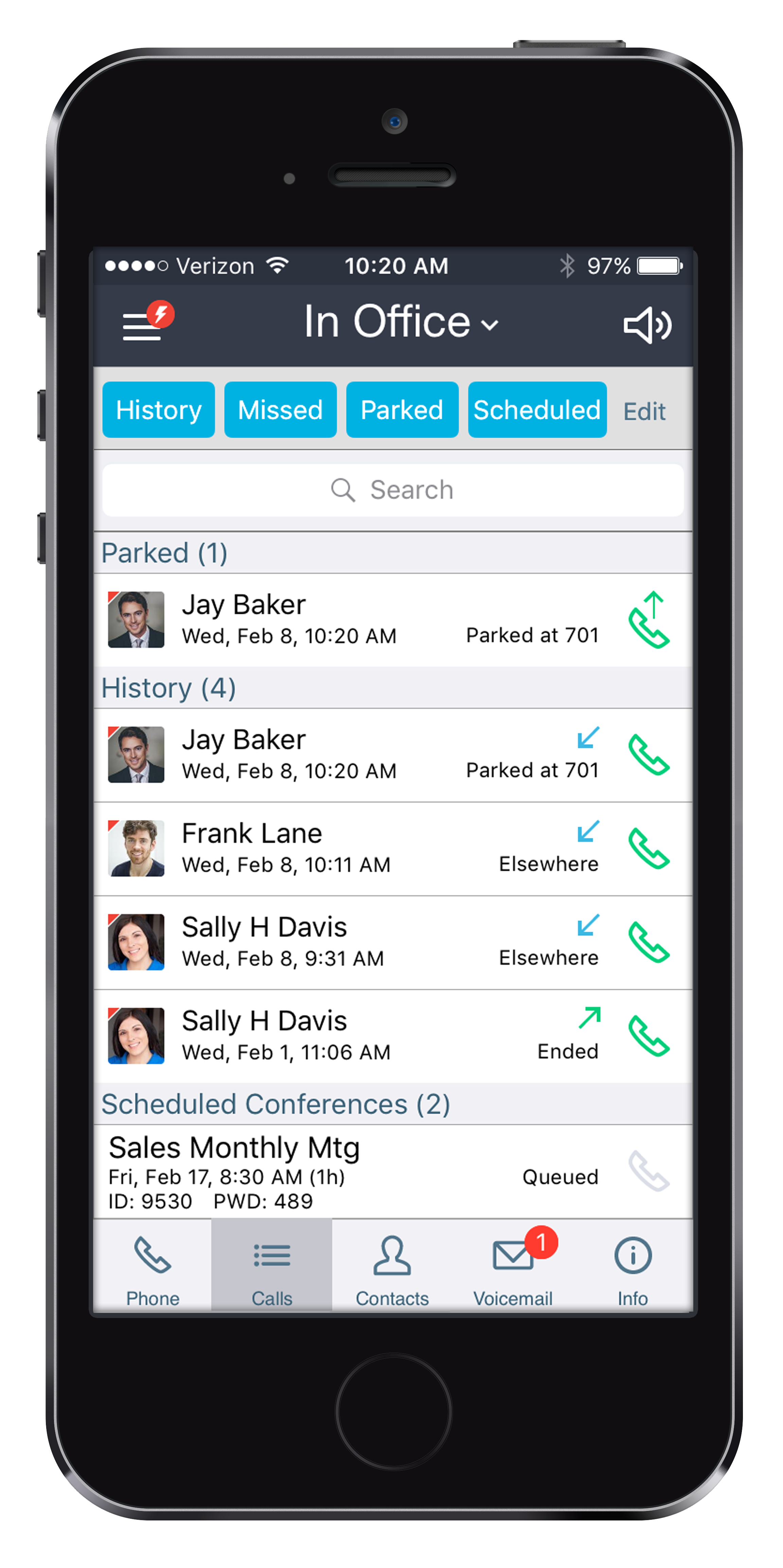
Always stay connected with Allworx Reach. The Reach mobile app extends the rich functionality of your Allworx VoIP communication system right to your iOS and Android devices. Allworx Reach Link ensures a seamless voice experience, even as your mobile data network changes.
Road ninjas who always want to be within reach on their business numbers.
Legal and health care professionals who need to be reachable without giving their personal mobile number.
Employees who work in a distributed work area such as car dealerships, retail showrooms, and schools.
Enjoy the new mobility-integration features with Allworx Verge™ IP phones including personal contact sharing, instant call hand-offs, and many more.
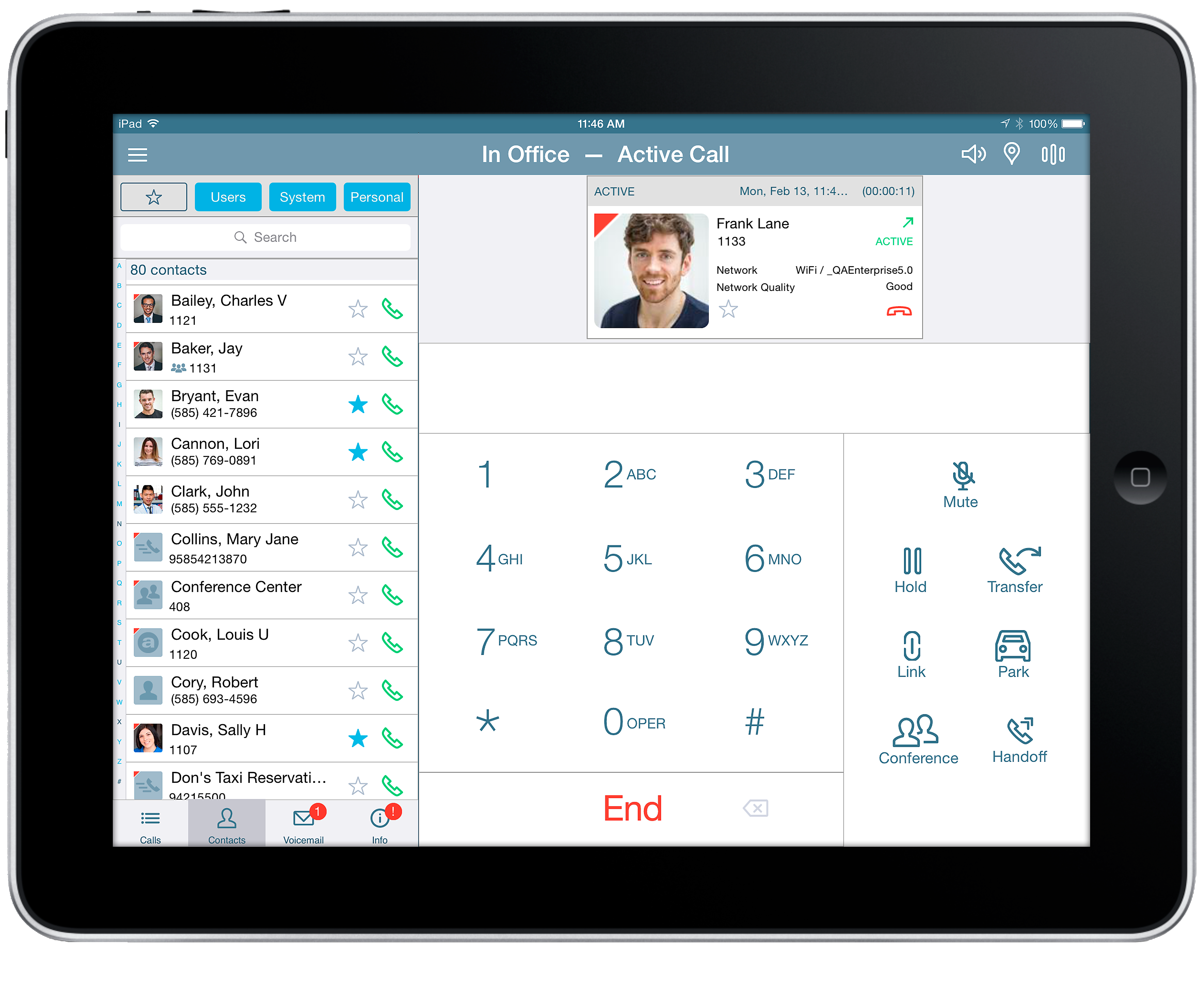
Transfer, hold, and park calls with a single touch.
Make easy three-way calls.
Access call history, see parked calls, and call into scheduled conference calls.1
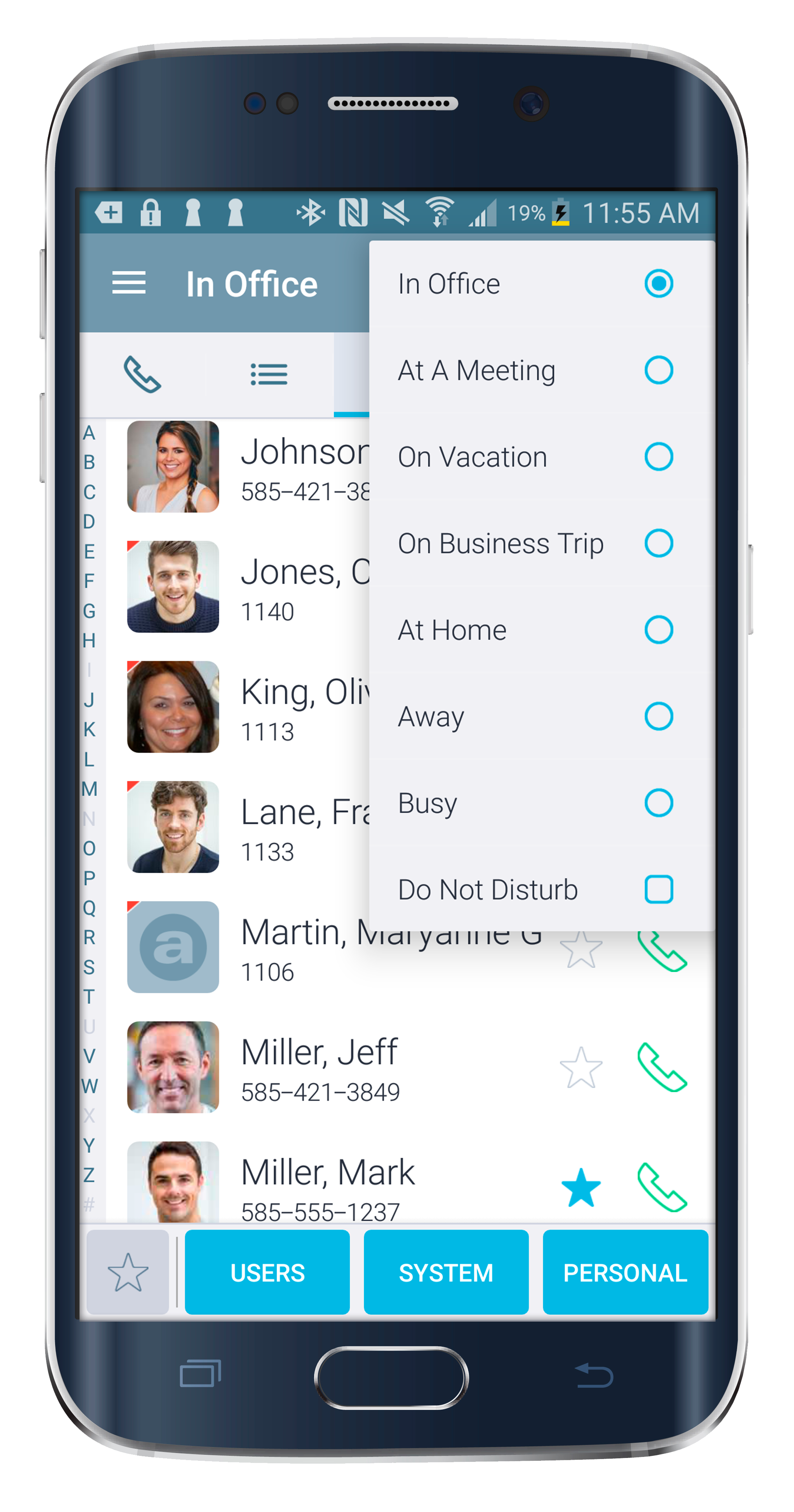
Search across Allworx system users and extensions, and personal mobile contacts.
Check voicemail messages.
Change presence setting.
Keep active Reach calls connected as you move from a Wi-Fi to a 4G cellular data network, and vice versa.
Choose from several one-touch options to recover interrupted Reach calls in real time.
Control the manual option to keep active 4G Reach calls on 4G, regardless of the Wi-Fi availability.
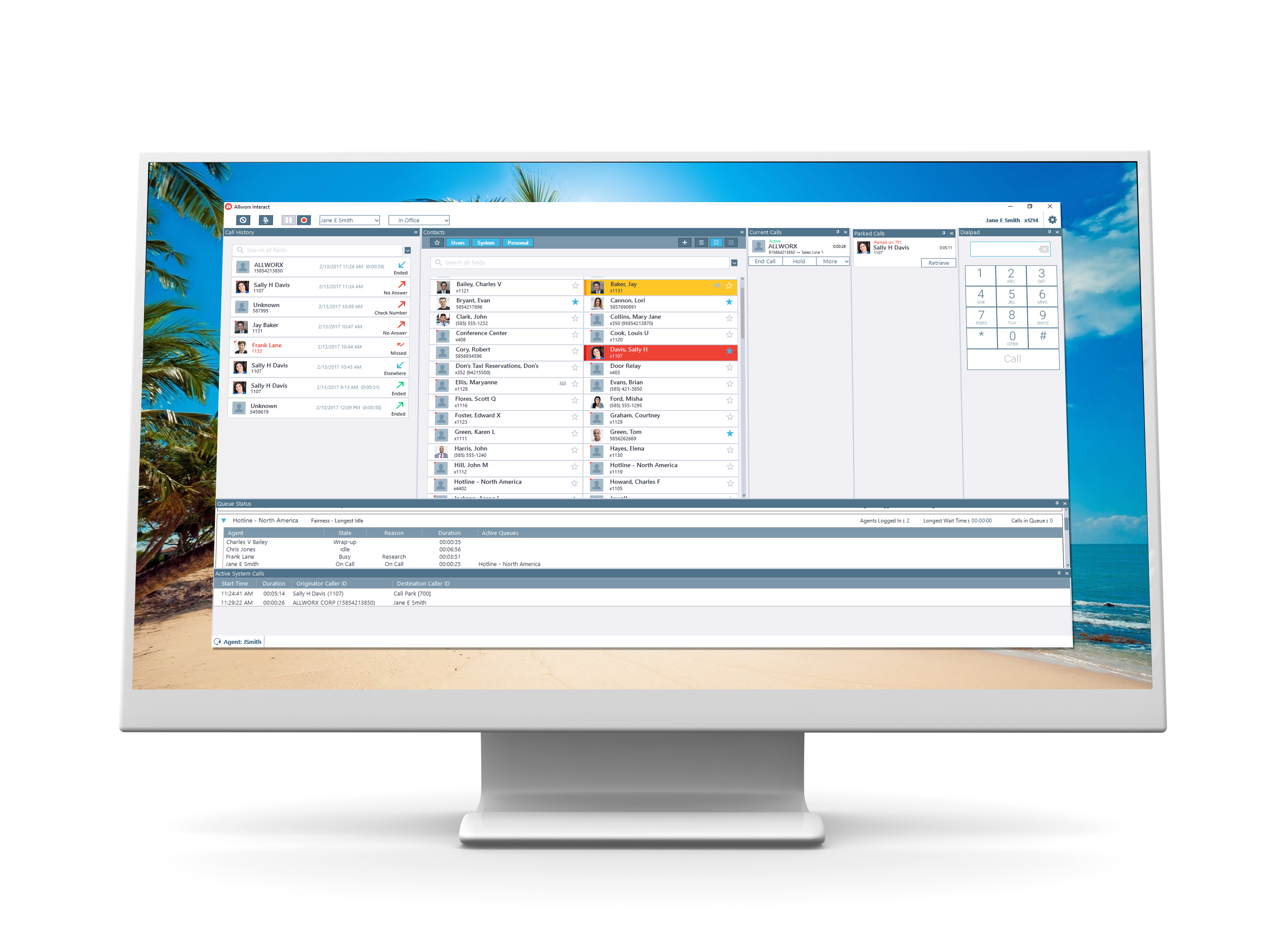
Business has moved in a new direction — and the Allworx ® Interact™ Softphone features everything you need for this completely mobile approach. With just your laptop, you can now use all of the power of your Allworx desk phone wherever you work: full integration between virtual offices, corporate offices, travel and remote locations; one-click dialing into Zoom and Microsoft Teams; all of your go-to business calling tools; even access to call center queues. Business mobility doesn't get any better than this.
The Allworx Interact Softphone contains all of the features of Allworx ® Interact™ — the ultimate call control dashboard tightly integrated with Allworx ® Verge™ desk phones — but can be set up and used on a laptop without the need for any phones at all. The Allworx Interact Softphone is perfect for remote users who want to seamlessly be able to use all the features they have at the office on the Allworx system — everywhere.
Professionals who are called upon to work remotely.
Call center agents who are using Allworx Automatic Call Distribution (ACD).
Sales professionals who depend on outbound or inbound calls to drive revenue.
Anyone who relies on Microsoft productivity tools to manage their day-to-day workflow.
Customize as you see fit – add separate windows for Dial Pad, Call History, Contacts, Current Calls, Parked Calls, Outside Lines; or hide them when not in use.
Enjoy one-click dialing, hold, transfer, park, three-way calls, and more.
Search across Allworx system users, extensions, and your MS Outlook contacts.
Quickly scan your colleagues’ presence and status to see who’s busy or available.
Record individual calls or record all calls automatically.
Automatically pop open third-party web applications (e.g., Salesforce.com) with incoming calls.
Enable call center agents to log in/out of their queues, update their busy status, and quickly scan the queue status.1
Quickly and easily check voicemail onscreen.
Intelligently sync presence and status across Skype for Business (Lync), Outlook, and Allworx; and automatically update the Allworx call routes.
Make one-click calls right from Skype for Business and Outlook using Allworx.
Make one-click calls right from websites on Google Chrome™ and Mozilla Firefox ® browsers using Allworx.